Stop Blaming the Ink: Top 5 Causes of Printhead Clogs and Ink Starvation
Key Takeaways (Quick Answers for Industrial Printers):

Is your printer suffering from banding, color shifting, or clogged nozzles... even with “good” ink?
You’re not alone. In industrial textile and wide-format printing, the exact same ink can perform very differently across different shops.
Why? Because in 80% of cases, the problem isn’t the ink — it’s everything around it.
Based on INKBANK’s field service data, here are the 5 real reasons your prints fail — and how to fix them today.
1. The Ink Supply System: A Hidden Bottleneck
If ink can’t flow steadily, your printhead starves.
Common issues: Leaks, air bubbles, or incorrect negative pressure.
Symptoms: Nozzle dropouts, faded colors, or ink spitting.
INKBANK Tip: Check all seals monthly. Always use certified filters and recalibrate negative pressure after every deep clean.
2. Machine Calibration: Hardware That Fights Itself
Your printer is a precision orchestra — but one wrong setting ruins the song.
Carriage too high? → Ink drops drift in the air → "Overspray" and blurry edges.
Heat too low? → Ink smears and pools.
Heat too high? → Ink cooks and clogs the nozzles.
INKBANK Tip: After changing media or ink type, always reset the carriage height and drying curves. Keep a calibration log — it saves days of troubleshooting.

3. Printhead Maintenance: The 30/70 Rule
Here’s the hard truth: Print quality is 30% ink quality, and 70% how you maintain the head.
Daily: Wipe nozzles and clean the wiper blade/capping station.
Before ANY ink change: Flush the ENTIRE system with a certified cleaning solution. Mixing different ink chemistries = instant gel = permanent head clog.
Idle > 3 days? Inject storage liquid (moisturizing fluid) and run a circulation cycle weekly.
INKBANK Tip: Create a strict SOP for every shift. Train your team — one wrong swap can cost you a $2,000 printhead.
4. Environment: The Invisible Killer (Crucial Data)
| Too HOT | Ink dries on the nozzle → crusting, low color saturation. |
| Too COLD | Viscosity spikes → ink starvation, uneven dark areas. |
| Too WET (>70% RH) | Media warps, ink trails, electronics risk short-circuiting. |
| Too DRY (<40% RH) | Static electricity → misdirected drops, rapid nozzle film/clogging. |
INKBANK Tip: Put a high-quality hygrometer in your shop. Add humidifiers or industrial dehumidifiers as seasons change — it’s vastly cheaper than replacing a printhead

5. Ink Quality: When Everything Else Is Right
After you fix the 4 factors above — then ink quality truly matters.
A high-stability premium ink gives you:
Consistent color from batch to batch
Less waste (no more reprints)
Longer head life (no aggressive chemical precipitation)
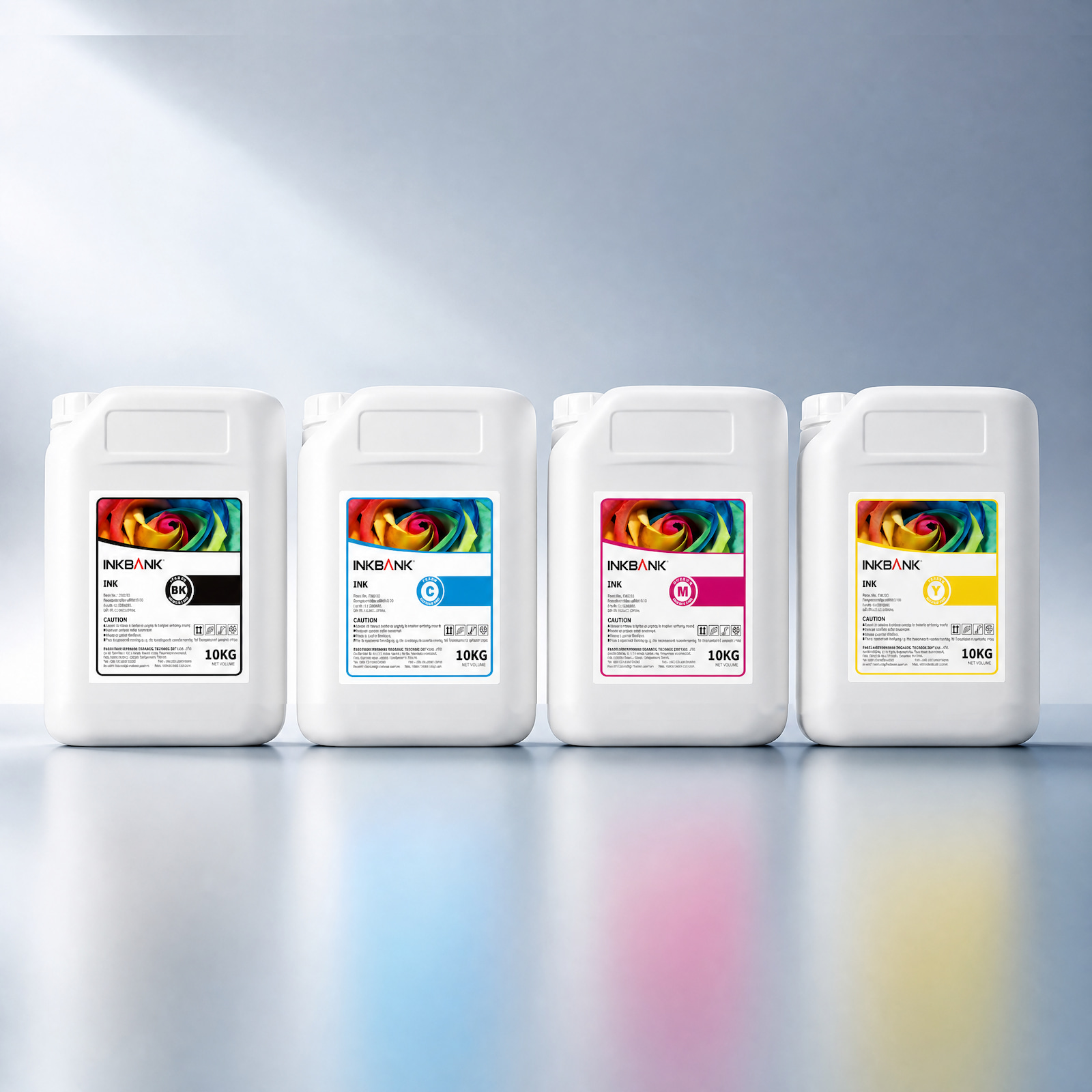
That’s why brands like INKBANK focus strictly on micron-level filtration and rigid batch control.
Conclusion — Stop Guessing, Start Solving
If you still face ink starvation, color drifts, or head damage after trying everything — don’t tear down your machine blindly.
INKBANK provides not just premium inks, but professional technical service to help diagnose your real problem.
Follow INKBANK on LinkedIn/Facebook/Instagram for more no-BS printing tips and advanced ink solutions.
FAQ (Quick Troubleshooting)
Q1: I used a new ink of the same type, but the head clogged immediately. Why?
A: You likely didn’t flush the old ink properly. Even within the same ink type, different additive packages can react and turn into gel. Always flush the system completely with a certified cleaning fluid before switching.
Q2: My printer skips lines every winter. Is it bad ink?
A: It’s highly likely the cold, not the ink. Cold temperatures thicken the ink, causing flow issues. Warm your shop to >20°C (68°F) or add a gentle heater near the ink sub-tanks.
Q3: How do I actually extend my printhead's life?
A: Follow the 30/70 rule: Use 30% premium ink (like INKBANK) + 70% strict daily cleaning, climate control, and proper use of storage fluid when idle.
 +86 188 1869 1624
 INKBANK01


